 Vardek
Vardek, natively yours.
A local, Mac-native widget dashboard for the Corsair Xeneon Edge™ touchscreen. The 2560×720 panel is just a second display on macOS. Vardek fills it — a full-screen, touch-driven grid that runs entirely on your machine.
Corsair ships the Xeneon Edge™ widget layer only for Windows, through iCUE. On macOS the 2560×720 panel arrives as a blank second display. Vardek rebuilds that widget layer natively for the Mac: a full-screen, touch-driven grid of six bundled widgets plus any Vardek-format add-on you drop in, running entirely on your machine. Free, macOS 13+, signed and notarized by Apple.
Scroll, and the panel comes alive.
What Vardek looks like on the Xeneon Edge™
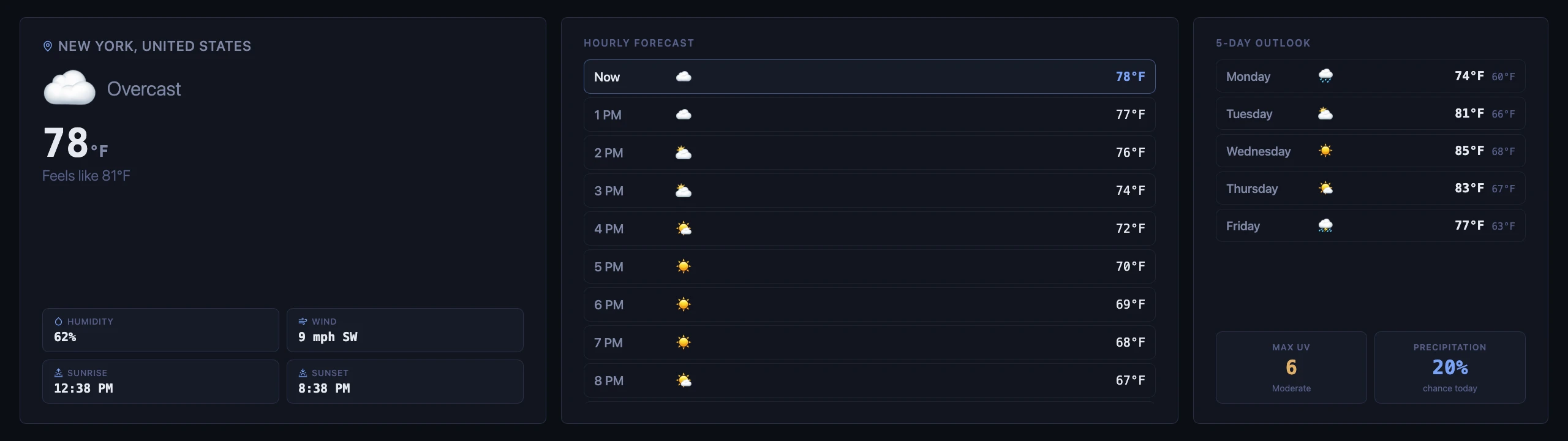
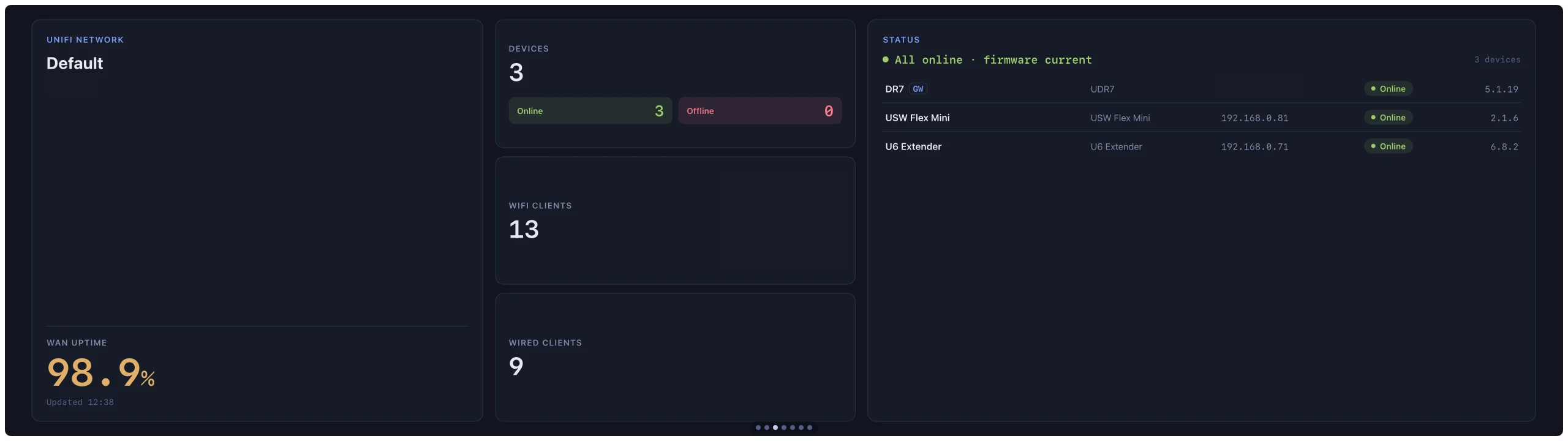
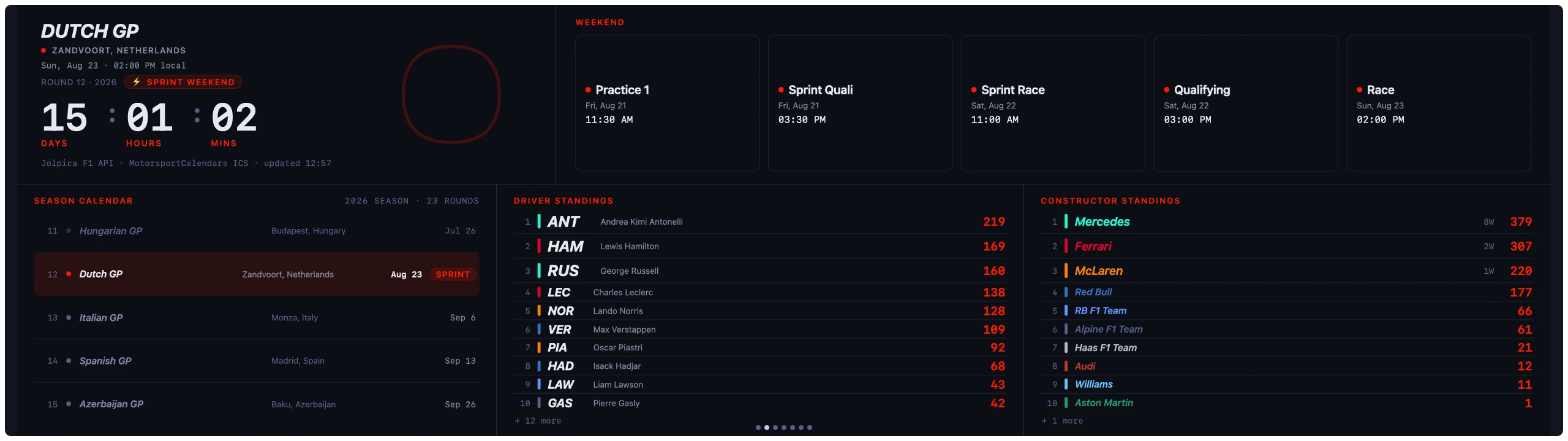
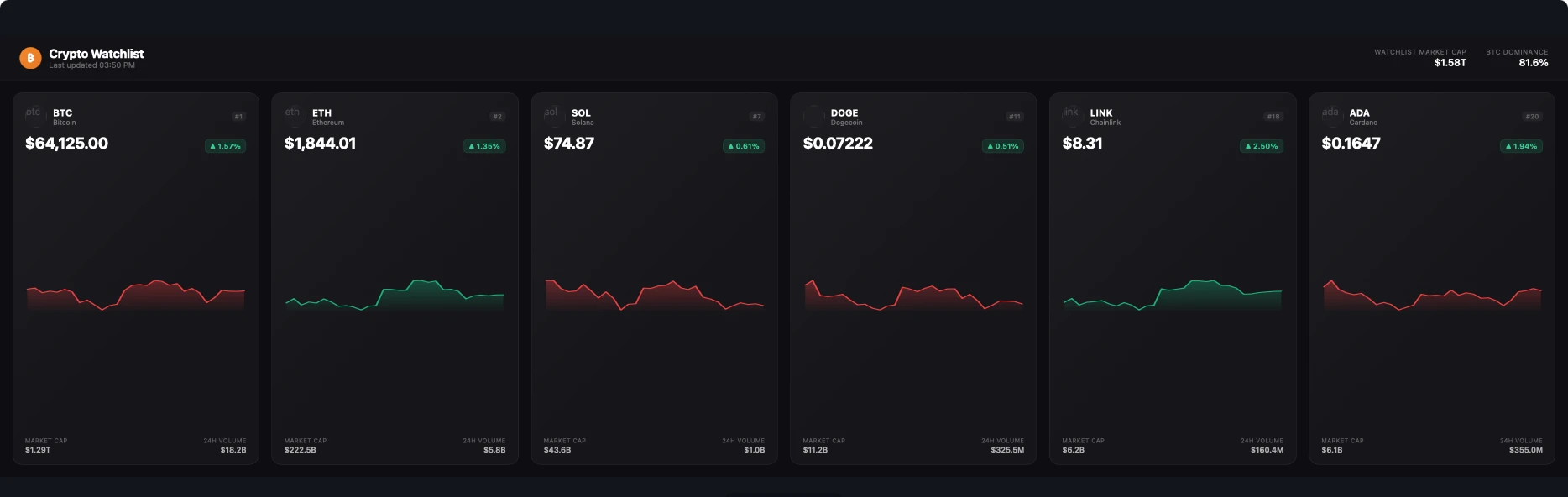
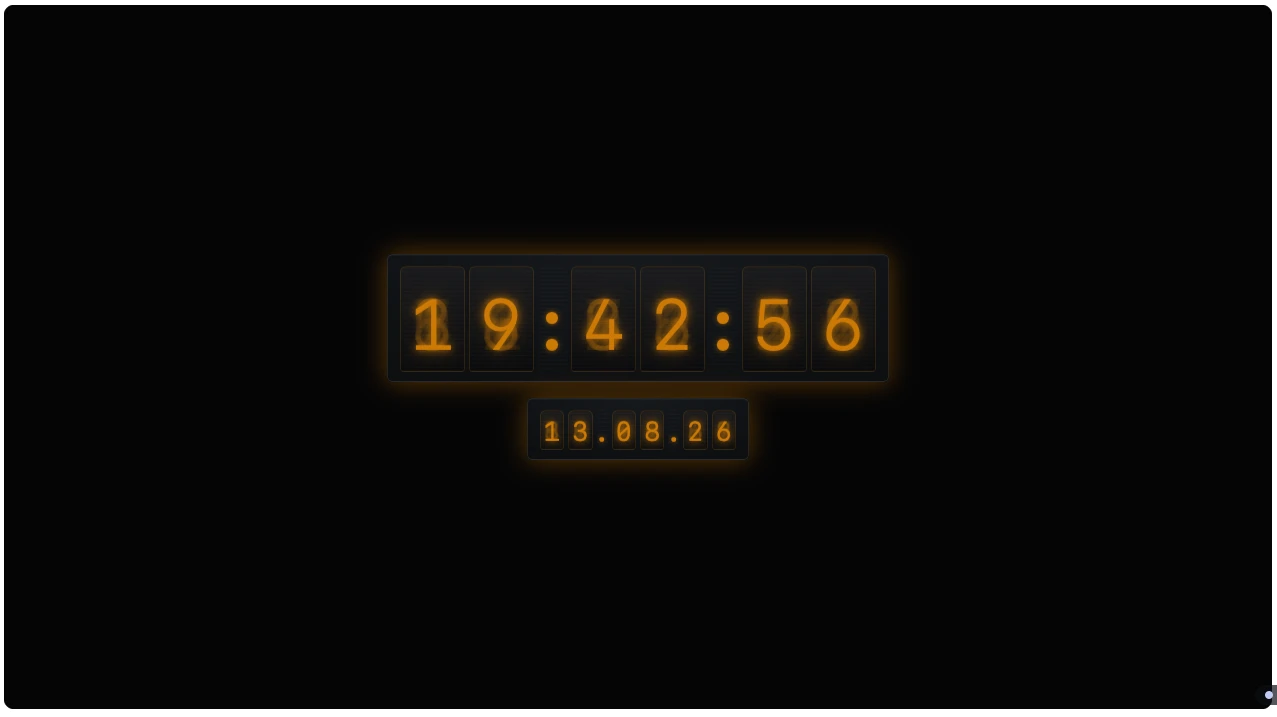
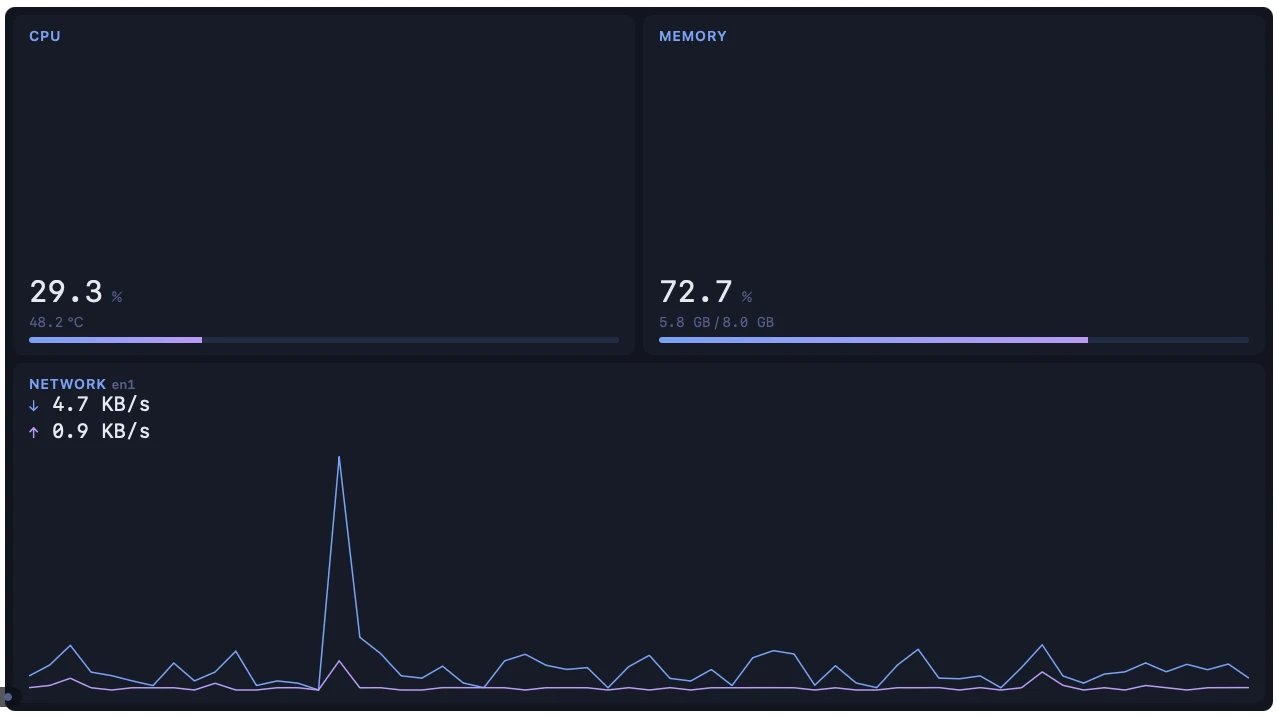
2560 × 720 · USB-C · no network port
Every widget, floating in place.
Six widgets bundled with Vardek
Curated and fixed at install. Drop your own into the widgets folder, rescan, approve it in Admin — no app update needed.
The catalog keeps growing.
Add your own widgets

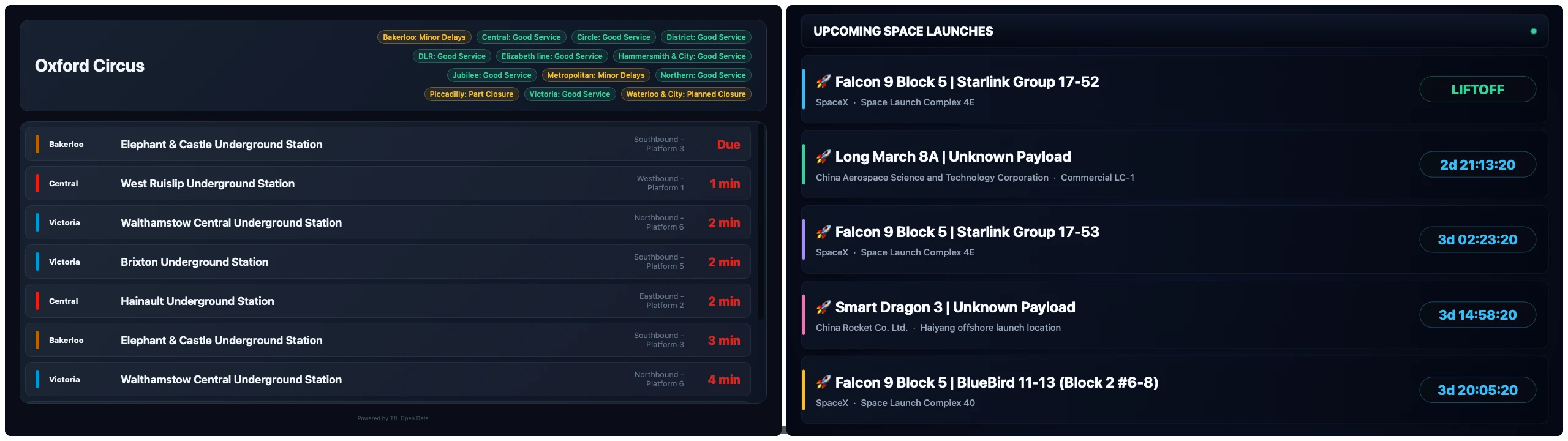
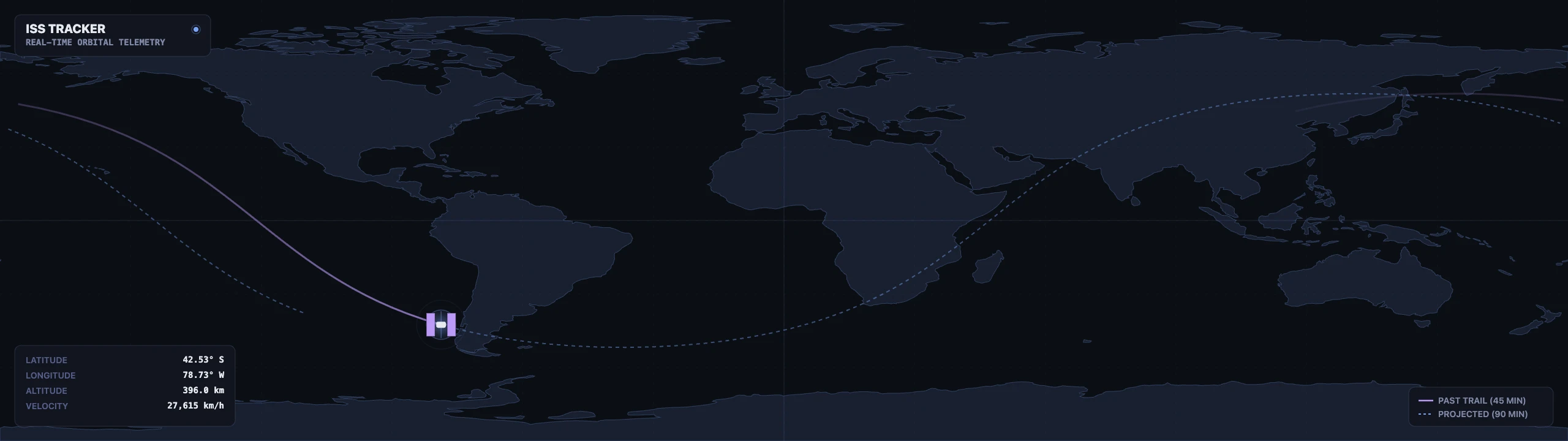
Nixie Clock · London Tube · Space Launch · ISS Tracker — just a few examples of available add-on widgets
Local-first
Nothing leaves your Mac.
Your Mac
edge-shell
A WKWebView shell running full-screen on the Edge™ panel.
Loopback
edge-daemon
A Swift daemon with no network port — launched by the app, signature-checked both ways, private pipes only.
Sandbox
Widgets
Opaque-origin iframes with CSP; network only through an audited per-widget proxy allowlist.
One panel to wire it all.
Configure everything from the Admin panel, no config files
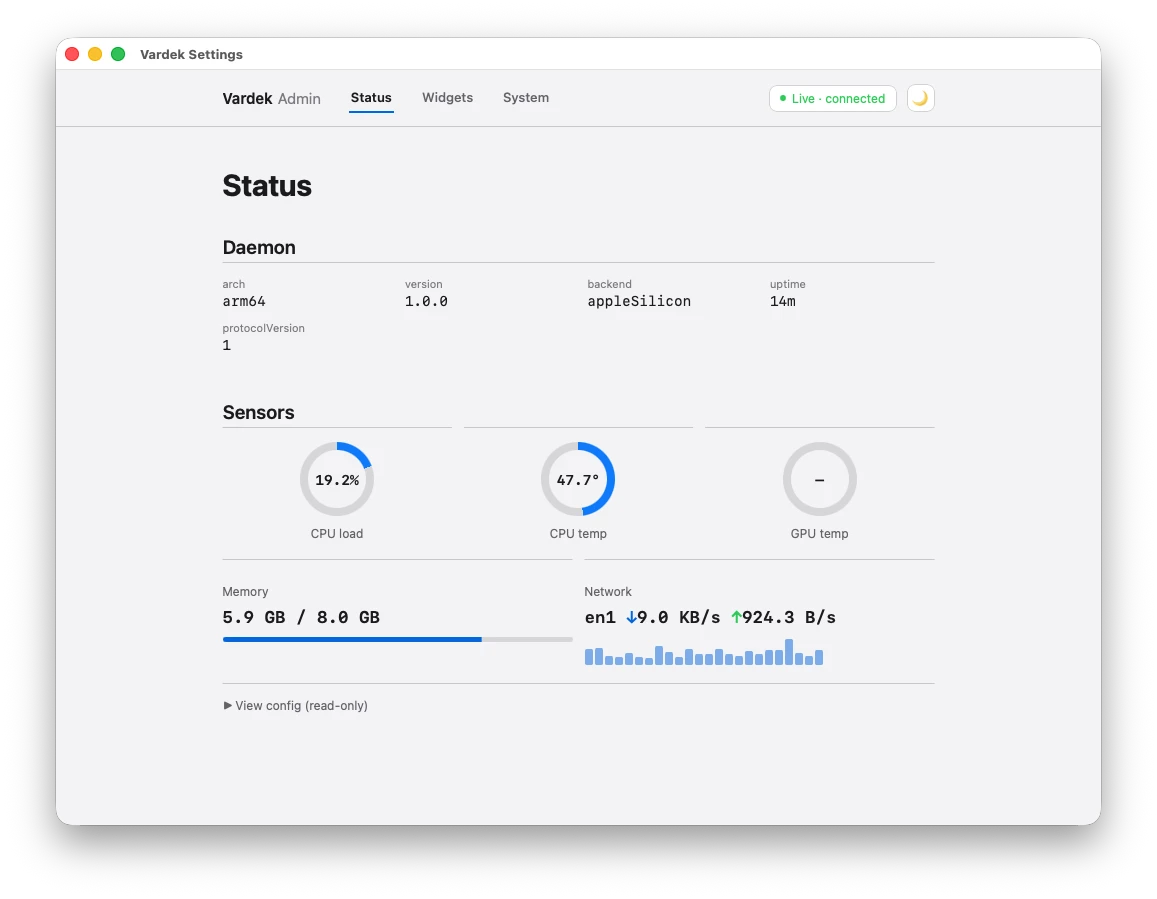
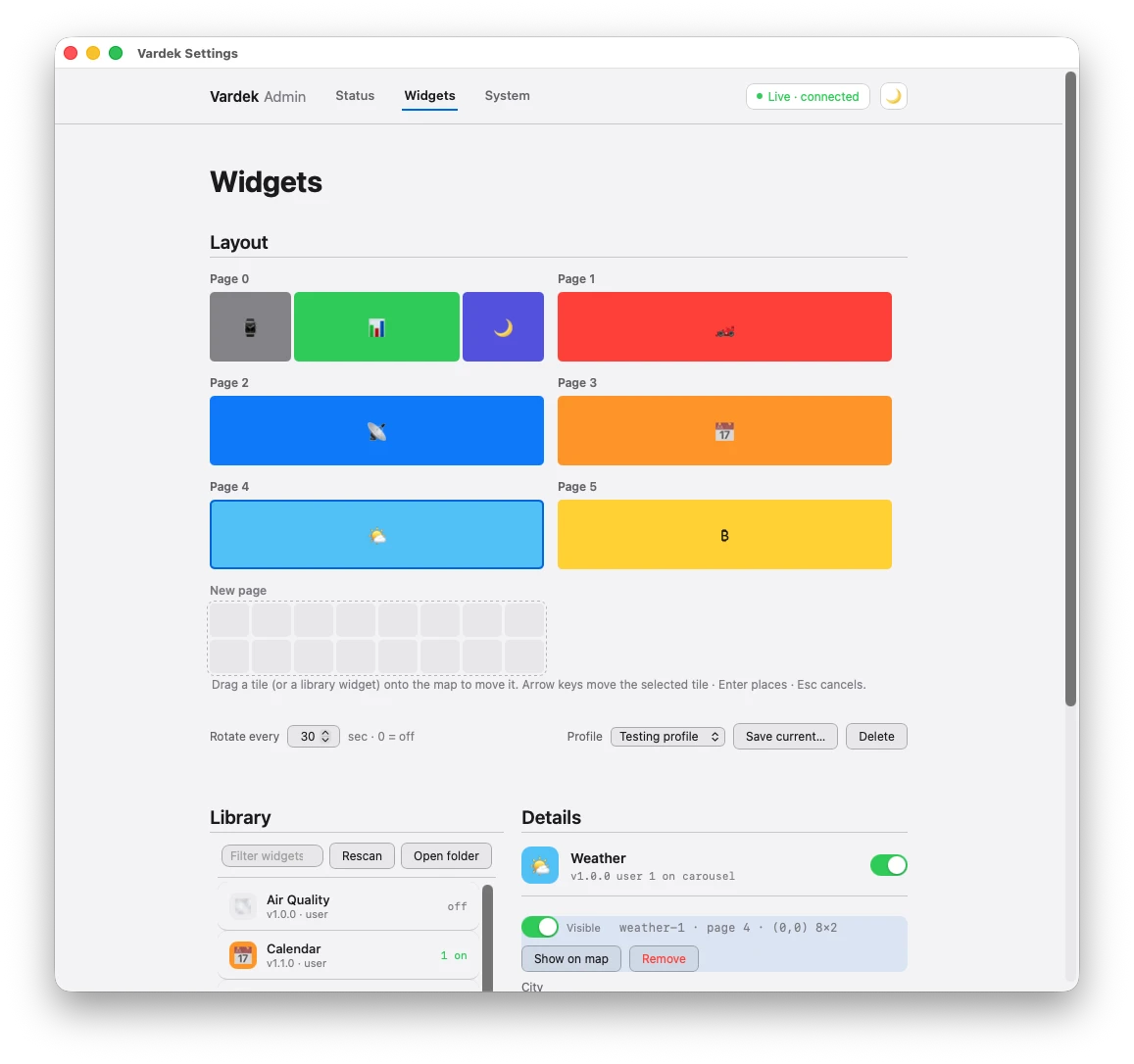
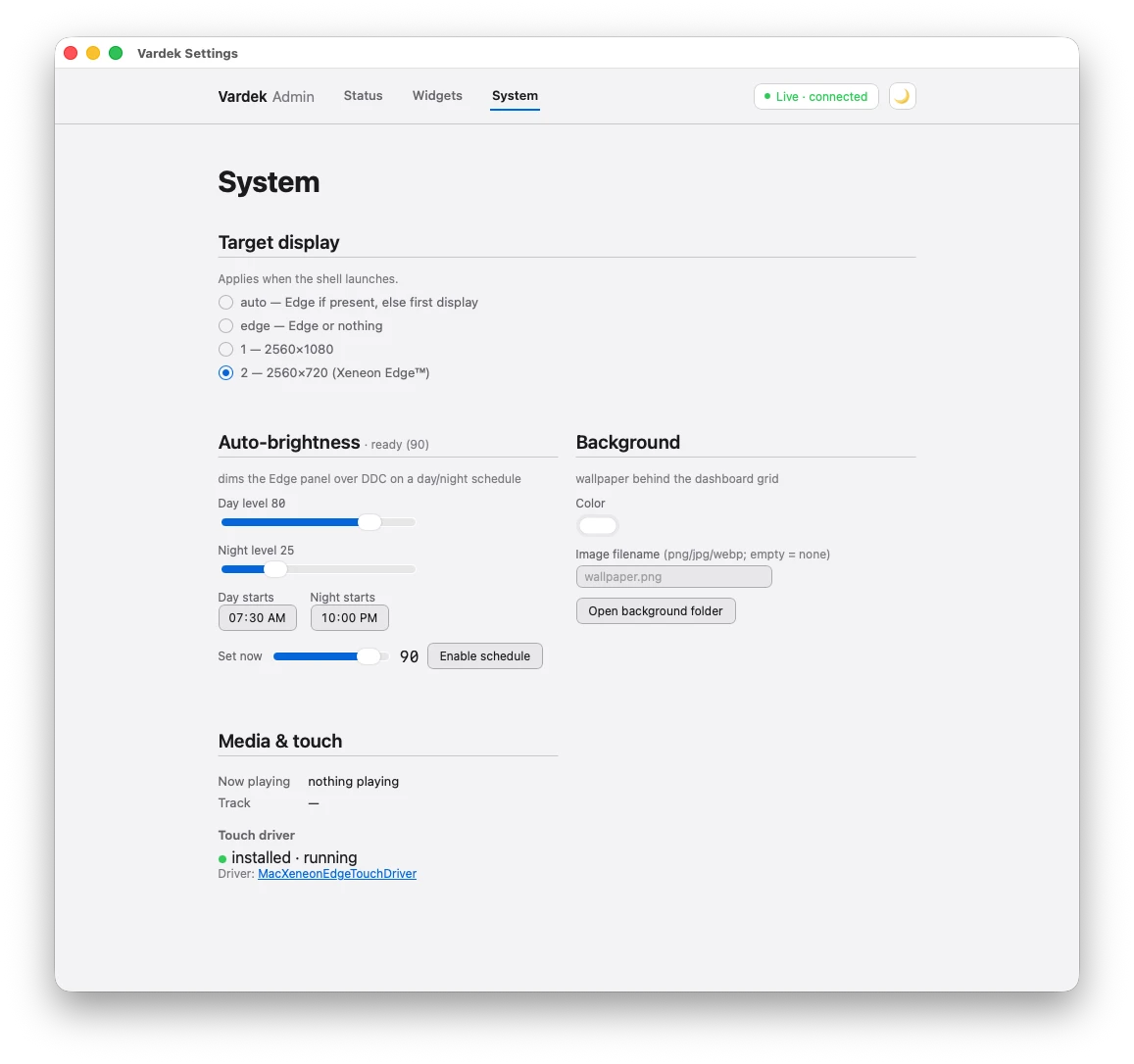
Open Admin as an app window (⌘A). Placement, settings, sensors, brightness, profiles — no config files to hand-edit.
Questions
Does the Corsair Xeneon Edge work on a Mac?
Does the Corsair Xeneon Edge work on a Mac?
The panel does. Over USB-C or HDMI, macOS sees the Xeneon Edge™ as an ordinary 2560×720 second display. The widget layer does not: Corsair delivers that through iCUE on Windows. On macOS the panel is a blank strip of desktop until you run something on it. Vardek is what runs on it — see the full iCUE vs Vardek comparison.
What is Vardek?
A free, Mac-native widget dashboard for the Xeneon Edge™. It fills the panel with a full-screen, touch-driven grid of widgets arranged into auto-rotating pages: clocks, system sensors, weather, network status, live data tiles. macOS 13 or later, signed and notarized by Apple.
Does Vardek send my data anywhere?
No. The daemon opens no network port; it runs as a signature-verified child of the app over private pipes. No cloud, no account, no telemetry. The only network traffic is the API calls a data widget explicitly makes, and those go through an audited proxy limited to hosts the widget declares in its manifest.
Can Vardek use iCUE widgets?
Not directly. Building an iCUE widget today means installing Corsair's WidgetBuilder CLI, scaffolding and validating the widget with it, then packaging it into a .icuewidget file that gets imported through iCUE's own + button — a manifest schema (author, preview_icon, supported_devices, …) and config model (<meta name="x-icue-property"> tags, onICUEInitialized) built for iCUE only. Vardek widgets are a plain folder — manifest.json plus index.html, no CLI, no packaging step, no iCUE install required. Community add-ons built for Vardek install by dropping the folder into the widgets folder, rescan, and approve it once in Admin. There is no .icuewidget importer; an opt-in compatibility layer helps authors port iCUE-style widgets by hand, see iCUE vs Vardek. See the widget authoring guide to build your own.
Does touch work on a Mac?
Yes, with a free community driver. macOS sees the panel as a display only; touch needs the open-source MacXeneonEdgeTouchDriver, which you build once with a script and approve under Accessibility and Input Monitoring. It handles one finger at a time, so there is no pinch or two-finger gesture, even though the hardware is 5-point. Steps are in the Edge connection and touch guide.
How do I connect the Xeneon Edge to a Mac?
Use one USB-C cable with DisplayPort Alt Mode (a Thunderbolt or USB-C Mac port) for video, power and touch together, or HDMI for video plus a separate USB-C cable, which is always needed for power and touch. See the connection guide.
How much does Vardek cost?
Nothing. Vardek is free, closed source, and distributed as a signed and notarized DMG through GitHub Releases. No paid tier, no subscription, no account.
Do I need a Xeneon Edge to run Vardek?
No. Vardek runs full-screen on any macOS display, so you can try it before the Edge™ arrives. The layout is built for the panel's 2560×720 shape and reads best there, but nothing requires that hardware — see the Mac display setup guide for recommended window sizes on a MacBook or external monitor.
Power on the panel.
Free, closed-source, signed and notarized by Apple. Works on any display too, so you can try it before the Edge™ arrives.